1) Sign-in
Open the link https://app.gostar.cz/ in your browser — the app runs right in the browser, nothing to install. It works on desktop, tablet, and phone.
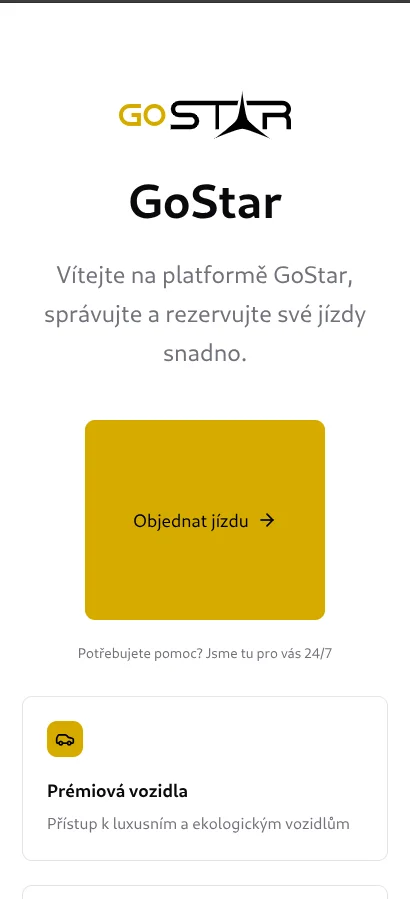
GoStar uses secure passwordless sign-in — a one-time code sent to your e‑mail.
1.1 Enter your e‑mail
Type your e‑mail address and confirm.

1.2 Copy the code from your e‑mail
Type the six-digit code that just arrived to your e‑mail into the boxes. The code usually arrives within seconds — if not, check your Spam folder.

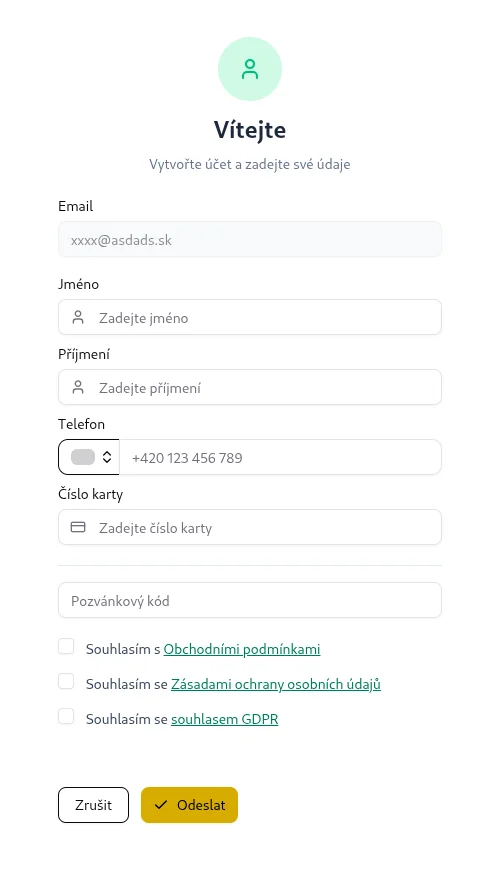
1.3 First sign-in – fill in your details
The first time you sign in, the app asks for basic details:
- First name and Surname
- Phone
- Card number (if you have a subscription or customer card)
- Invitation code (optional — enter it here if you received an invite)
- Confirm the Terms of Service, Privacy Policy and GDPR consent.
Click Submit when done.