3) Book a ride
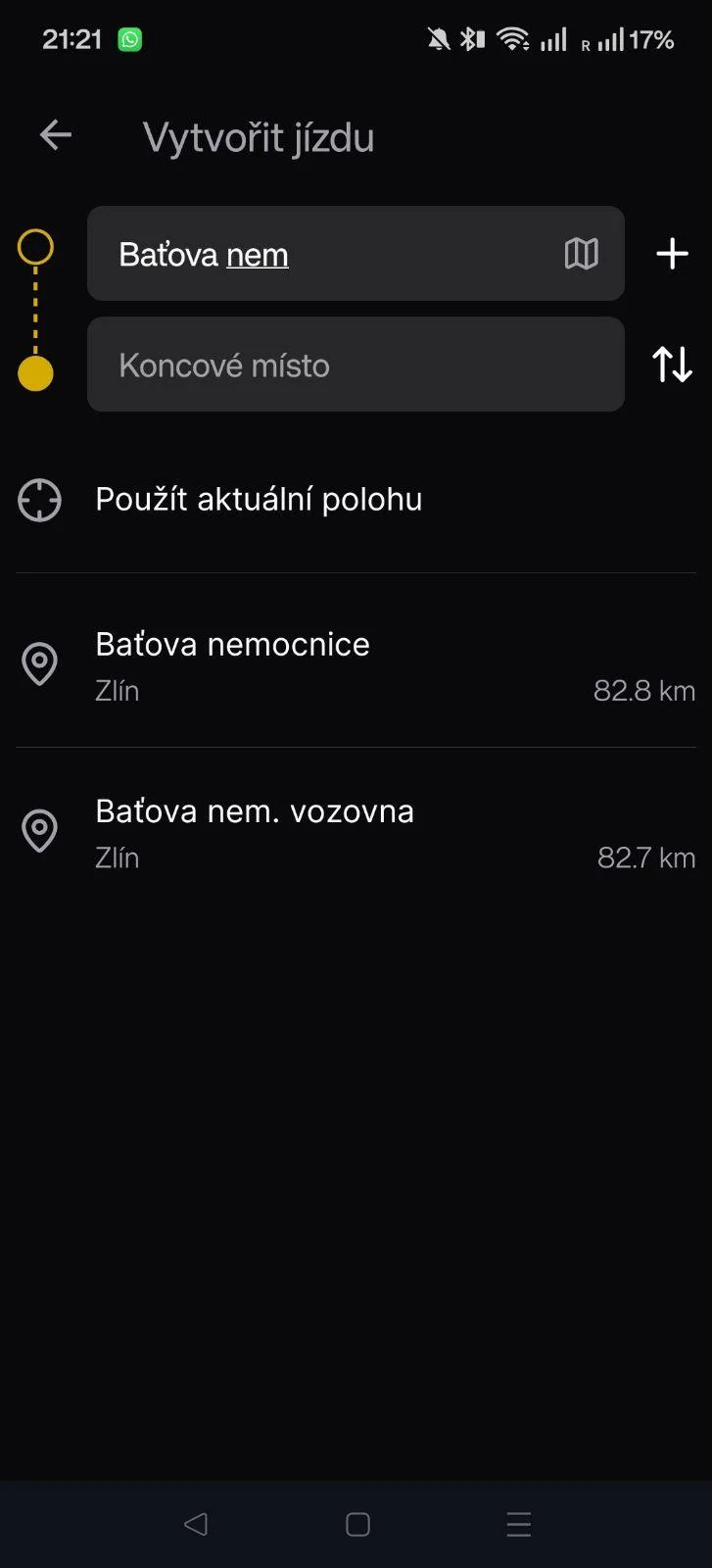
3.1 Fill in the route
- Fill in the Pickup and Drop-off: start typing the place name / address and pick from the suggestions.
- That step also verifies the address.
💡 Tip: If no suggestions appear, type more characters or try a different form (street, house number).
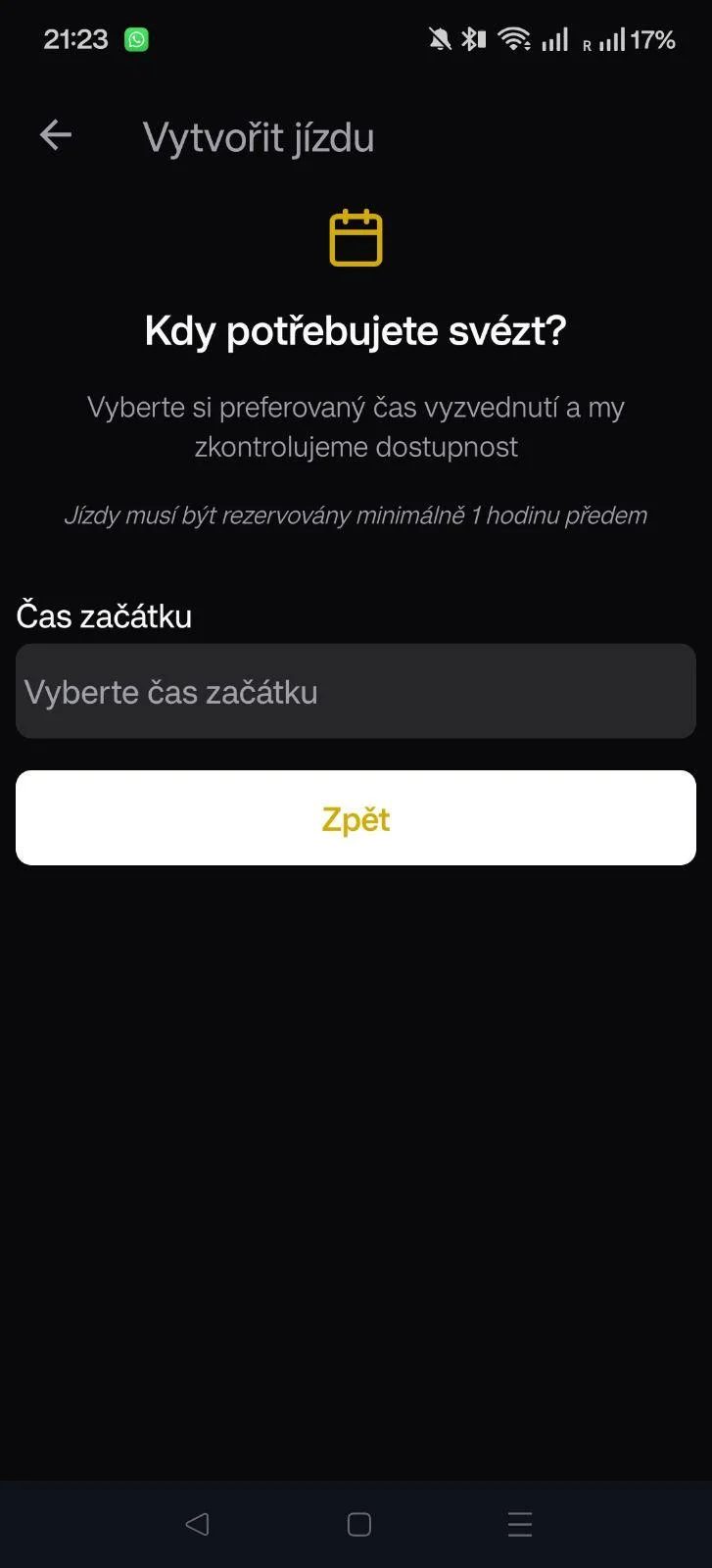
3.2 Pick a day and time
Choose the date and time you want to travel.
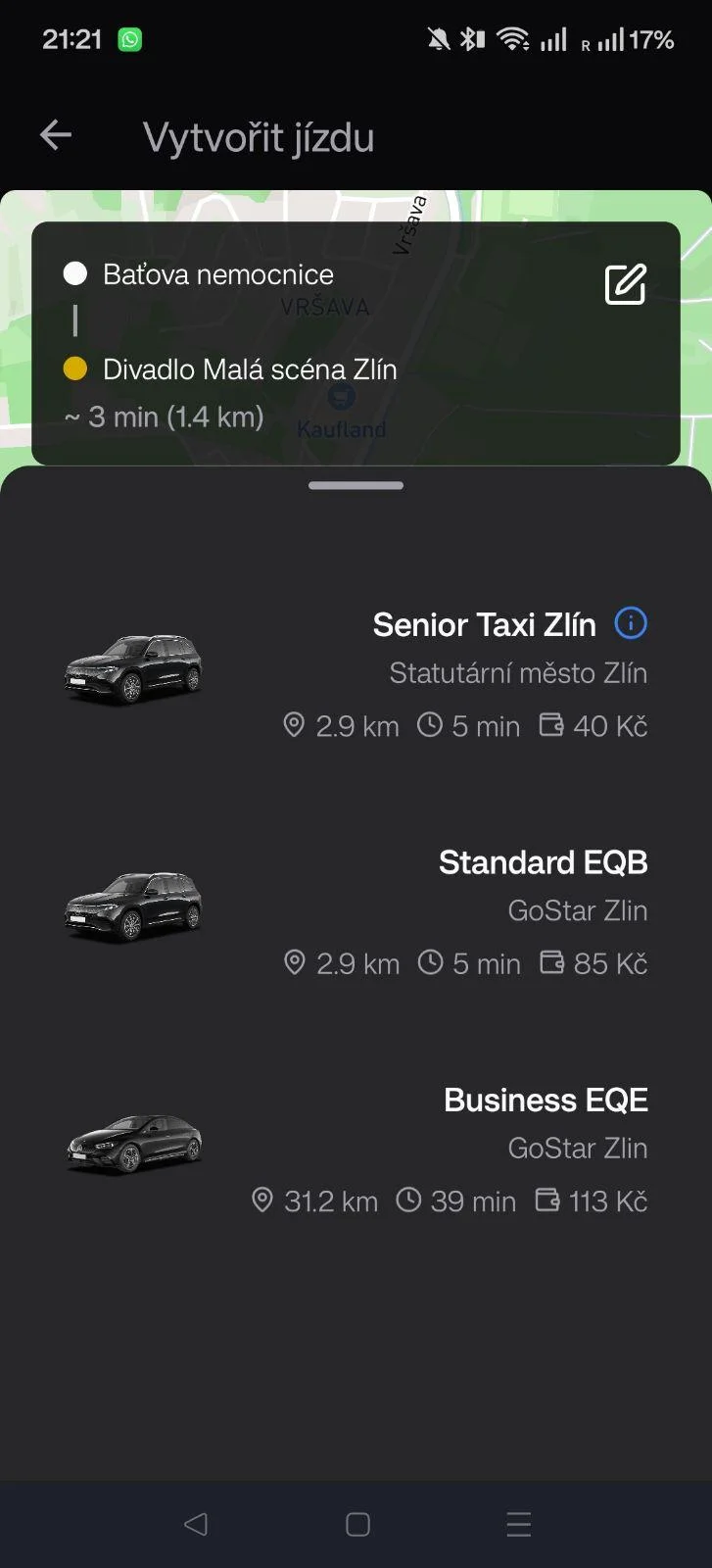
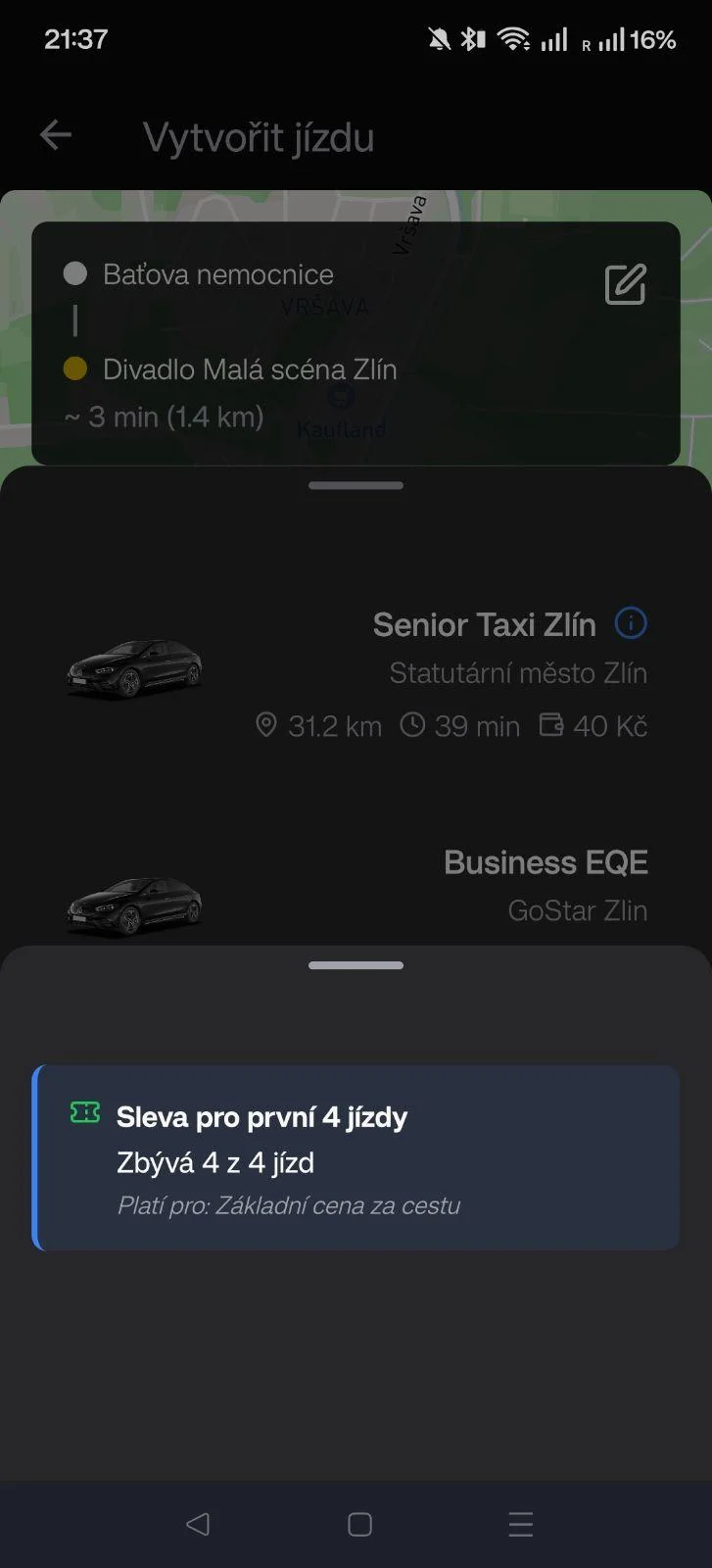
3.3 Choose a service
- Pick a service from the GoStar products.
- Each card shows the price and a short description.
- Press Confirm to send the order.
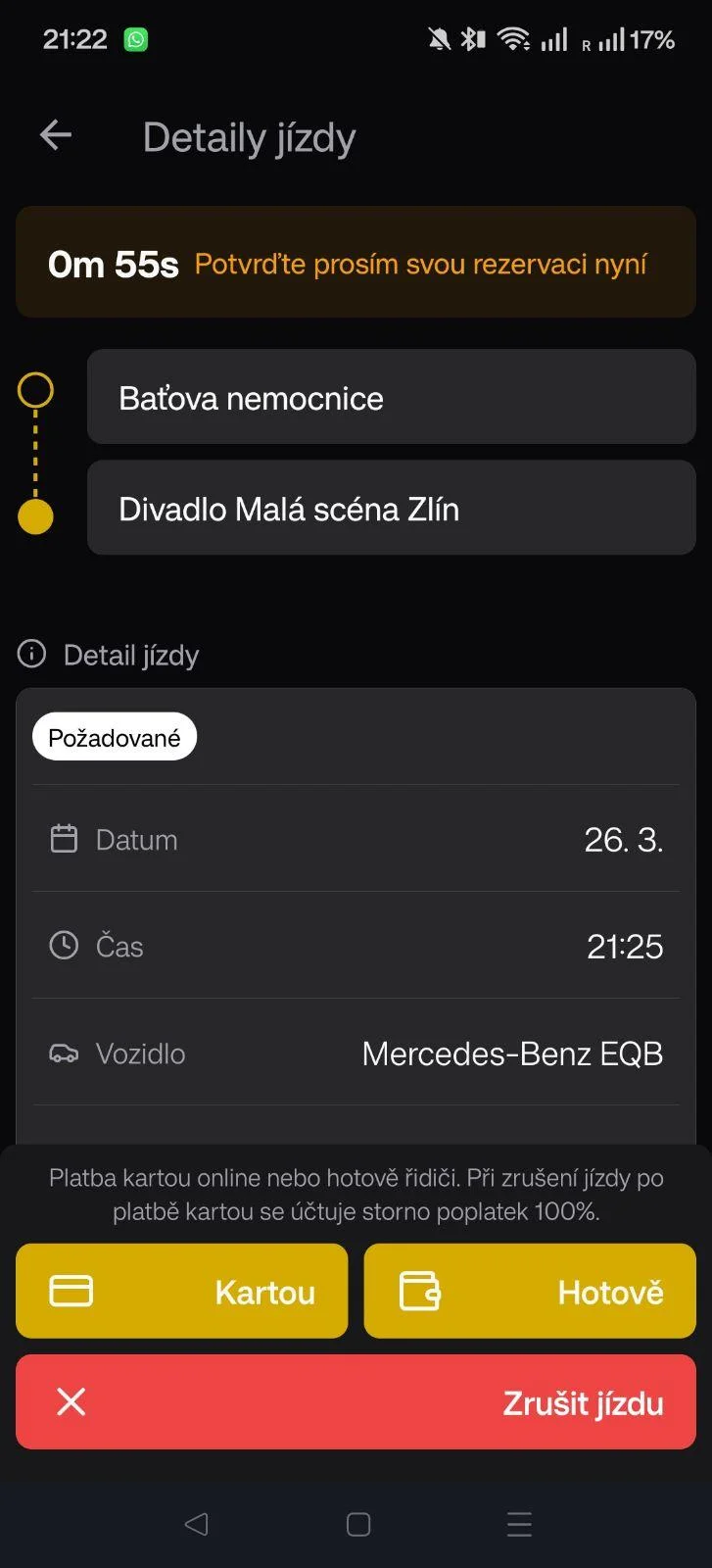
3.4 Confirmation
After choosing a service you need to confirm the ride.
- To confirm the ride you must pick a payment method.
- You can pay for the ride immediately by card
- Or choose cash payment (settle the cash payment with the driver)
- The ride will not be reserved unless you confirm it!